

A web browser is the program you open to get on the internet, like Chrome, Safari, or Firefox. A search engine is a website you visit inside that browser to find things, like Google or Bing. They work together, but they are not the same tool, and mixing them up is one of the most common mistakes beginners make.
That confusion makes sense. Most people open Chrome and immediately type a question into the bar at the top, so the two feel like one step. They’re actually two separate layers doing two separate jobs.
What a Web Browser Actually Does
Your browser is the software that lets your device talk to the internet. It loads web pages, plays videos, runs apps in your tab, and stores your bookmarks and passwords. Think of it as the car: it gets you places, but it doesn’t know where anything is located.
Common browsers include:
- Google Chrome
- Apple Safari
- Mozilla Firefox
- Microsoft Edge
- Brave
None of these are search engines. They’re built by different companies for different purposes, even though some of them (like Chrome) are made by the same company that owns the most popular search engine.
What a Search Engine Actually Does
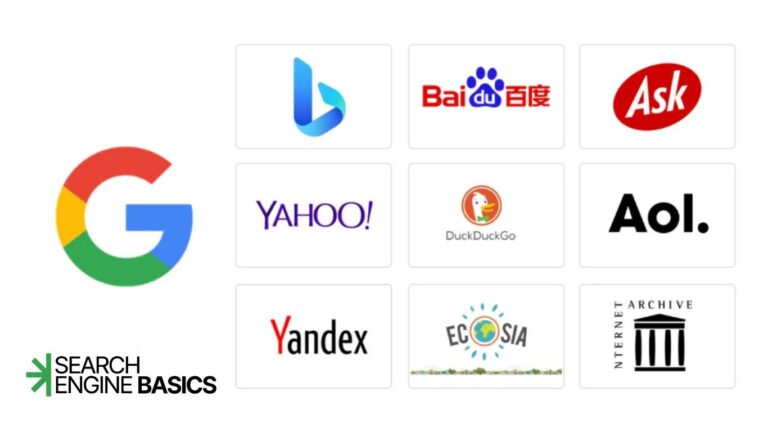
A search engine is a service that finds and ranks web pages for you. When you type a question into Google, it scans its own database of billions of pages, called a search index, and returns the ones it thinks answer your question best. Bing, Yahoo, and DuckDuckGo work the same way, just with their own indexes and their own ranking systems.
If the browser is the car, the search engine is the map app you open once you’re driving. You still need the car first.
Search Engine vs Web Browser
| Web Browser | Search Engine | |
| What it is | Software application | Website or service |
| Job | Lets you access the internet | Helps you find information on the internet |
| Examples | Chrome, Safari, Firefox, Edge | Google, Bing, DuckDuckGo, Yahoo |
| Where it lives | Installed on your device | Accessed through a browser |
| Can it work alone | Yes, you can type a direct web address without searching | No, it needs a browser to display results |
Is Google Chrome a Search Engine?
No. Chrome is a browser. Google is the search engine. The confusion happens because Chrome comes with Google set as its default search engine, so typing into Chrome’s address bar usually triggers a Google search automatically. You can change that default to Bing, DuckDuckGo, or another option in your browser settings at any time, and Chrome will still work exactly the same way as a browser.
The same logic applies to Safari, which ships with Google as its default search choice on most devices, and Edge, which defaults to Bing. The browser stays the browser no matter which search engine you pick.
Quick Way to Remember It
If you can install it, close it, or see it as an icon on your desktop or phone, it’s probably a browser. If you visit it by typing a web address and it returns a list of results for your question, it’s a search engine.
You can use a browser without ever searching, by typing a website address directly into the bar. But you can’t use a search engine without a browser to open it in first. That one-way relationship is the cleanest way to keep the two straight.
Once that distinction clicks, the rest of how search works gets much easier to follow, including what actually happens between typing a question and seeing a page of answers. If you want that full picture, the Search Engine Basics pillar page walks through crawling, indexing, and ranking from the ground up.